+1 (281) 855-2218

How to Choose the Right Wireless Sensor

Choosing the right Wireless Sensor starts with the conditions it must measure, not with a feature list. A temperature sensor in a shaded warehouse faces different demands from a vibration sensor mounted beside a running motor. Define the measurement range, acceptable error, sampling rate, and installation location before comparing models. Measure first.

Next, examine how the sensor will send and store its readings. Wireless range depends on walls, metal equipment, interference, and antenna placement, so a stated maximum range may not match a real building. Battery life also changes with transmission frequency, signal strength, and temperature. If readings must arrive quickly, check the full reporting interval and any delay during network outages.

Look closely at the specifications and test the device in its intended environment when possible. A few trial sensors can reveal weak signals, awkward mounting, or readings that drift near heat sources. Check whether the sensor integrates with your existing gateway or software, and confirm how calibration, firmware updates, and maintenance are handled. These details affect long-term reliability as much as the sensing element itself.

There is no universal best choice. A low-cost unit may suit occasional monitoring, while a process requiring tighter control may need documented accuracy and more frequent calibration. The first estimate may be wrong; that is normal. Allow room for changing conditions, and verify important assumptions with measured results rather than relying on a product description alone.
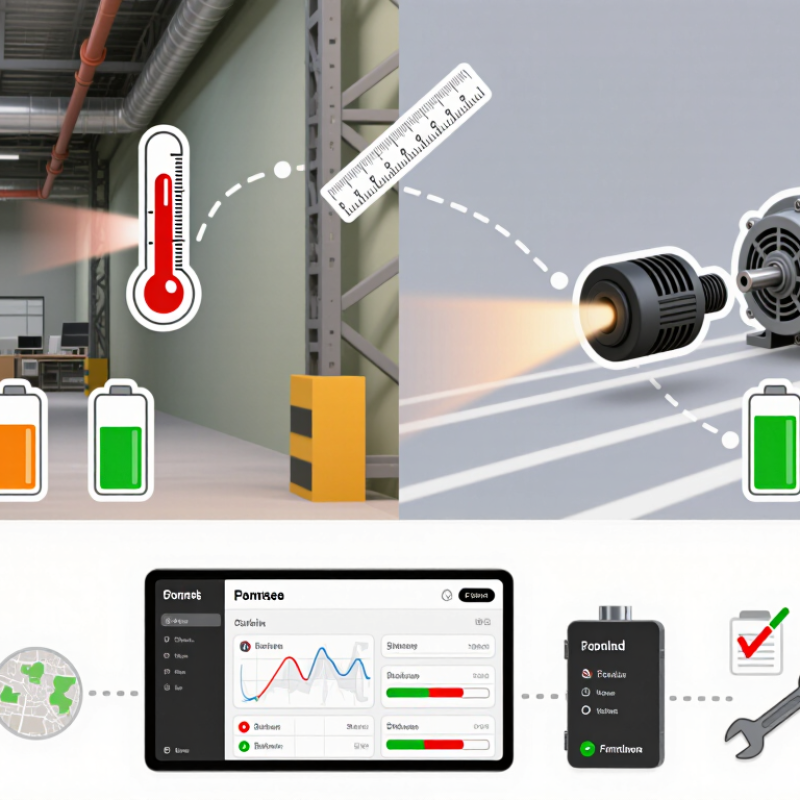
How to Choose the Right Wireless Sensor

Define the Measurement Goal and Operating Environment

Before choosing a wireless sensor, define exactly what you need to measure. “Monitor temperature” is too broad. Specify the expected range, acceptable error, and how quickly readings must arrive. A cold-storage room may need steady readings every few minutes, while a moving machine part may require faster sampling to catch brief vibration spikes. Small details matter. Decide where readings will be reviewed and whether the sensor must trigger an alert when values cross a limit. These choices shape the required accuracy, sampling rate, and battery life. More frequent transmissions can drain a battery sooner.

Then examine the actual operating environment, not just the room’s average conditions. Check for moisture, dust, heat, vibration, metal surfaces, and nearby sources of radio interference. A sensor that performs well on a workbench may struggle behind a metal cabinet or across several concrete walls. Note the distance to the receiver and test the signal from the planned installation point. Consider how often staff can inspect or replace the device, and whether its enclosure suits the location. A common planning mistake is treating the wireless link as an afterthought. I would still leave room for a site test; floor plans rarely capture every obstacle, and even a careful estimate can be wrong. The best choice is tied to the measurement and the place it must work.

Compare Wireless Technologies and Communication Range

How to Choose the Right Wireless Sensor

Compare Wireless Technologies and Communication Range

A wireless sensor’s useful range depends on more than the number on its specification sheet. Walls, metal shelving, humidity, and nearby radio traffic can all weaken a signal. A sensor that works across an open warehouse may struggle behind a concrete wall. Test at the actual installation points, not just in a hallway.

Wi-Fi suits locations with existing network coverage and frequent data updates, but it can use more power. Bluetooth Low Energy works well over shorter distances, such as within a room or around equipment. Zigbee can connect multiple low-power devices through a mesh, where devices relay messages. LoRaWAN can send small amounts of data over long distances, though updates may be less frequent. Each technology makes trade-offs.

Think about the message, not only the distance. A temperature reading every ten minutes has different needs from a vibration alert that must arrive quickly. Check how often the sensor transmits, whether a gateway is required, and how batteries perform in cold conditions. Then walk the site with a test unit and note weak spots. Range is messy. Even careful testing cannot reproduce every future change, and I would leave some margin rather than plan around the very edge of coverage.

Select Sensor Type, Accuracy, and Measurement Range

A wireless sensor is only useful when its sensing method matches the job. Start with the measurand. Temperature, vibration, humidity, and pressure each require different sensor designs and mounting conditions. For a motor housing, a contact temperature sensor may capture surface heat better than a nearby air sensor. For vibration, check the sensor’s frequency response as well as its mounting method; a loose attachment can distort readings.

Accuracy should fit the decision you need to make. If a process must stay within a narrow temperature band, compare the stated accuracy with that tolerance, and check whether it changes across the operating range. Resolution is not the same as accuracy: a display showing hundredths may still be off by several tenths. Measurement range matters too. Choose limits that include normal values and likely peaks, without sacrificing needed detail. Leave some headroom. Also distinguish measurement range from wireless transmission distance; walls, metal equipment, and placement can weaken a signal. One easy detail to overlook is calibration drift over time. Check the maintenance guidance and test readings under real operating conditions before settling on a sensor.

How to Choose the Right Wireless Sensor — Select Sensor Type, Accuracy, and Measurement Range
Sensor Type Measured Quantity Typical Measurement Range Typical Accuracy Suitable Applications Selection Guidance
RTD temperature sensor Temperature −40 to 125 °C About ±0.3 to ±0.5 °C Equipment monitoring, laboratories, process control Choose an RTD when stable, repeatable readings are more important than a very wide temperature range.
Thermistor temperature sensor Temperature About −20 to 85 °C About ±0.2 to ±0.5 °C within its specified operating range Buildings, cold storage, appliances Suitable for applications needing good sensitivity over a comparatively limited temperature range.
Thermocouple temperature sensor Temperature Commonly −200 to 1,200 °C; range depends on thermocouple type Often about ±1 to ±2 °C, or a percentage of the reading Furnaces, engines, high-temperature processes Choose a thermocouple for high temperatures; check the sensor type and measurement conditions before comparing accuracy.
Capacitive humidity sensor Relative humidity 0 to 100% RH About ±2 to ±3% RH over the specified operating range Indoor air monitoring, greenhouses, storage areas Check the stated temperature range and whether condensation or long-term exposure could affect readings.
Pressure sensor Gauge or absolute pressure Common ranges include 0–1, 0–10, or 0–100 bar About ±0.25% to ±1.0% of full scale Pipelines, pumps, tanks, hydraulic systems Match the range to normal operating pressure and occasional peaks. Accuracy specified as a percentage of full scale is relative to the sensor’s full range.
NDIR carbon dioxide sensor Carbon dioxide concentration Commonly 0 to 5,000 ppm Often about ±(50 ppm + 3% of reading) Ventilation monitoring, classrooms, offices, greenhouses Check the accuracy formula, calibration interval, and whether the stated range covers expected peak concentrations.
Three-axis MEMS accelerometer Acceleration and vibration Common selectable ranges: ±2 g, ±4 g, ±8 g, or ±16 g Depends on noise, bandwidth, calibration, and mounting; compare these specifications rather than relying on one accuracy figure Machine condition monitoring, impact detection, asset tracking Use the smallest range that safely covers expected peaks. Confirm sampling rate and frequency bandwidth for vibration measurements.
Note: Values are typical examples, not guaranteed specifications. Actual range and accuracy vary by sensor design, calibration, operating conditions, and wireless device configuration. Check the individual sensor’s datasheet and allow for measurement uncertainty in the application.

Assess Power Needs, Data Security, and System Compatibility

A wireless sensor’s power plan should match its real environment, not just its data sheet. A unit sending a reading every minute behaves differently from one reporting once an hour. Radio range, cold temperatures, and frequent retransmissions can drain batteries faster than expected. Small batteries matter. For mains-powered sensors, check outage behavior and backup time. For battery units, estimate replacement labor across the whole site, not one device.

Security deserves equal weight. The 2024 Data Breach Investigations Report found that 68% of breaches involved a non-malicious human element. That figure is not specific to sensors, but it highlights the risks of weak setup and routine mistakes. Check whether the sensor supports unique credentials, encrypted data, and signed firmware updates. The 2024 Cost of a Data Breach Report estimated the global average breach cost at $4.88 million. A low purchase price can look less attractive when maintenance and exposure are counted. Still, no checklist removes every risk.

Compatibility is practical, not just a protocol label. Confirm that the sensor’s radio frequency, gateway, data format, and network security settings work with your existing system. Test it beside the actual metal cabinet, concrete wall, or machinery where it will operate. A successful desk test proves little. Record readings during normal traffic and a network interruption. One awkward detail often gets missed: an older gateway may accept the signal but fail to interpret the data correctly. Check before ordering at scale.

Evaluate Installation, Maintenance, and Total Cost of Ownership

How to Choose the Right Wireless Sensor
Evaluate Installation, Maintenance, and Total Cost of Ownership

A sensor’s purchase price is only the starting point. Check mounting requirements, signal range, gateway needs, and whether installation requires lifts or production downtime. A device that takes minutes to fit may cost more if technicians must revisit it to resolve weak signals. Sketch the route from sensor to receiver before ordering; concrete walls and metal cabinets can change coverage.

Maintenance deserves equal attention. Ask how often batteries, seals, and calibration need checking, and whether readings remain available during network outages. The U.S. Department of Energy’s Operations & Maintenance Best Practices Guide estimates that operations and maintenance can represent 60–80% of a building’s total ownership costs. That figure concerns buildings, not sensors, but it shows why recurring work belongs in a lifecycle estimate. Small costs compound. Battery replacement across dozens of hard-to-reach units can outweigh a modest upfront saving.

Tips: Compare five-year costs, including labor, batteries, gateways, software, and expected downtime. Test a few sensors in the actual environment before scaling up. A spreadsheet will not capture every surprise; access assumptions are often wrong. Keep that uncertainty visible.

SHOP BY BRAND